
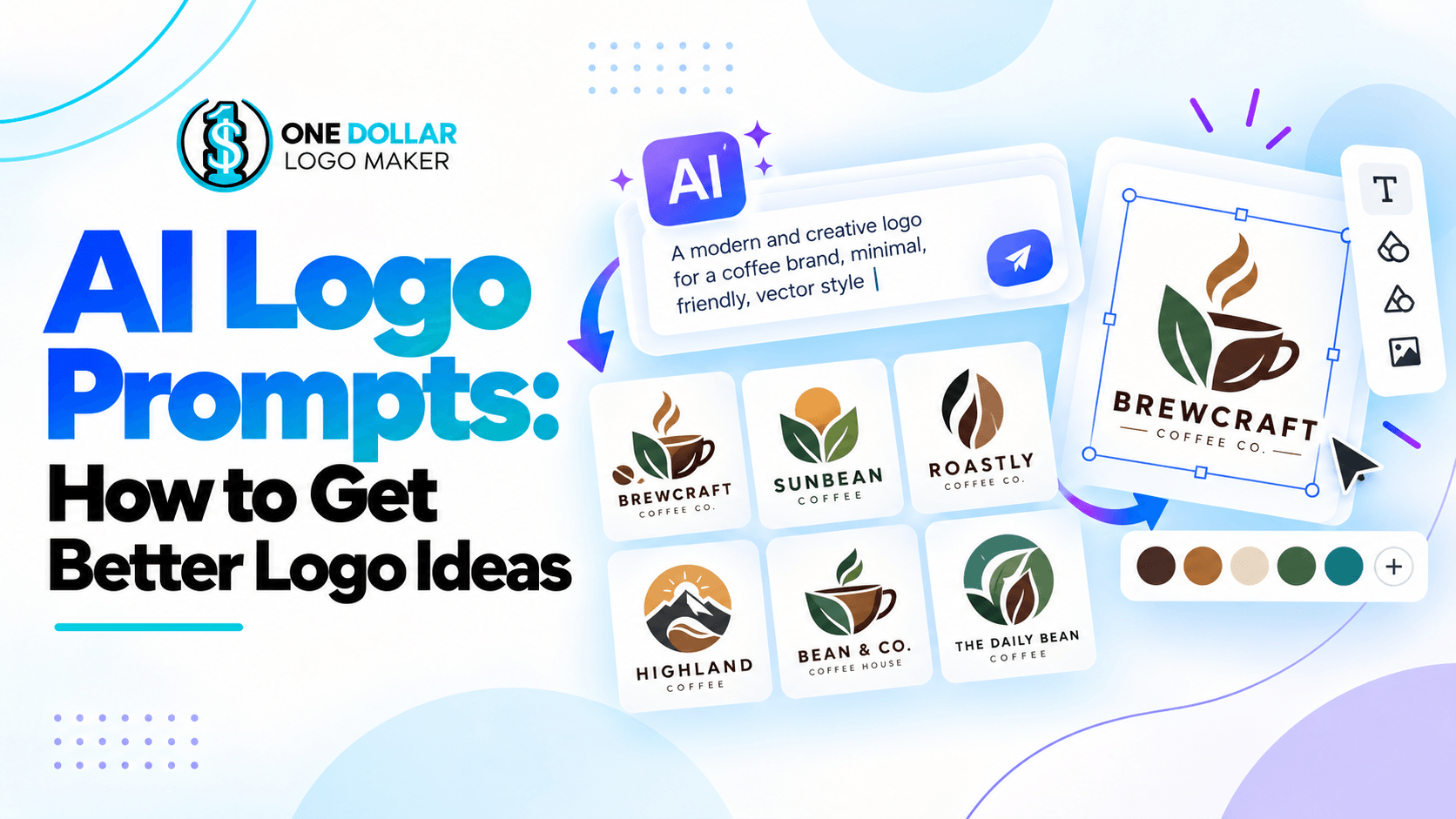
AI Logo Prompts: How to Get Better Logo Ideas
AI can make the early stages of logo design much faster, especially when you are not sure what symbols, colors, styles, or visual directions would suit a brand.
The quality of those ideas, however, depends heavily on the prompt.
A request such as “make a coffee shop logo” gives AI very little direction. Add information about the brand personality, preferred symbols, colors, typography, and style, and the resulting concepts usually become much more useful.
The goal does not have to be getting a finished logo directly from an AI image generator. AI can be more useful as an idea and inspiration tool: explore concepts, compare directions, and decide what you like before creating the actual logo in a logo maker where fonts, colors, icons, spacing, and layouts can be adjusted properly.
Here is how to write better AI logo prompts and turn the resulting ideas into a more polished logo.
What Is an AI Logo Prompt?
An AI logo prompt is a written description of the type of logo concept you want an AI tool to explore.
Instead of entering only the business type, a good prompt provides enough context to guide the visual direction.
Basic prompt:
Coffee shop logo.
More useful prompt:
Explore a warm, minimalist logo concept for an artisan coffee shop. Use a simple coffee bean or cup symbol, earthy brown and cream colors, clean typography, and a handcrafted but modern personality.
The second version gives the AI much more information to work with.
It describes the business, visual style, symbol, color palette, typography, and personality without prescribing every detail.
That balance is important. An overly vague prompt can produce generic ideas, while an extremely restrictive prompt may leave little room for creative exploration.
A Simple Formula for Better AI Logo Prompts
A useful prompt can be built from several basic components:
Business + personality + style + symbol + colors + typography + layout
You do not have to include every element every time, but the formula gives you a practical starting point.
1. Business or Industry
Start by telling the AI what the business actually does.
Coffee shop
Real estate agency
Fitness studio
Technology startup
Bakery
Beauty brand
Pet grooming business
Restaurant
Industry context helps the AI suggest symbols and visual directions that make sense for the brand.
2. Brand Personality
Next, describe how the business should feel.
Friendly
Premium
Professional
Playful
Bold
Elegant
Natural
Innovative
Trustworthy
Energetic
Try to choose two or three characteristics rather than filling the prompt with every positive adjective you can think of.
3. Logo Style
Give the AI a general visual direction.
Minimalist
Modern
Vintage
Geometric
Hand-drawn
Luxury
Retro
Playful
Abstract
Clean and corporate
If you are unsure which direction suits the business, exploring several logo styles can also help before settling on one.
4. Symbol or Icon
Mention one or two objects or concepts that could represent the business.
A real estate company might explore:
House
Key
Roofline
Building
Doorway
A wellness brand might explore:
Leaf
Lotus
Sun
Water
Abstract human figure
Try not to cram too many unrelated symbols into one prompt. Asking AI to combine a leaf, mountain, house, star, crown, and lettermark will usually produce a more complicated concept than necessary.
5. Color Palette
You can also guide the mood through color.
Navy and light blue for a professional look
Green and cream for a natural brand
Black and gold for a premium direction
Orange and dark gray for something energetic
Soft pink and beige for a gentle beauty brand
If you are uncertain, ask AI to suggest several palettes rather than committing to one immediately.
6. Typography
Typography can change the personality of a logo significantly.
Clean sans serif
Elegant serif
Bold condensed lettering
Rounded typography
Handwritten script
Minimal uppercase lettering
You do not necessarily need AI to render the final business name accurately. Instead, use the prompt to explore the general typographic direction, then choose and edit the actual typeface when creating the logo.
7. Layout
Layout is often overlooked in prompts for AI logo generators.
If you do not specify it, AI may repeatedly produce the same centered arrangement.
Horizontal logo with the icon beside the name
Compact badge
Circular emblem
Icon integrated into the wordmark
Simple symbol above the business name
Lettermark combined with a small icon
Exploring several layouts can make the inspiration much more useful when you begin creating the actual logo.
AI Logo Prompt Examples by Industry
Coffee Shop
Explore a warm, modern logo concept for an independent coffee shop. Use a simple coffee bean or cup symbol, earthy brown and cream colors, approachable typography, and a relaxed handcrafted personality. Keep the design simple enough to work on cups and storefront signage.
Technology Startup
Create logo concept ideas for a technology startup focused on automation. Explore simple geometric or abstract symbols, blue and purple tones, clean sans-serif typography, and a modern, innovative personality. Avoid overly complicated futuristic effects.
Real Estate Business
Explore a professional real estate logo using a simple architectural, key, or roof-inspired symbol. Use navy blue with a subtle warm accent, clean typography, and a trustworthy but contemporary personality. Try both horizontal and compact layouts.
Fitness Brand
Generate bold logo ideas for a modern fitness studio. Explore strong geometric symbols that suggest movement, strength, or progress. Use black, red, or orange with heavy typography and an energetic personality. Keep the icon simple and recognizable.
Beauty Brand
Explore an elegant logo concept for a premium beauty brand. Use a minimal floral, botanical, or abstract feminine symbol with soft neutral colors, refined serif typography, and a clean sophisticated layout.
Restaurant
Generate logo inspiration for a contemporary casual restaurant. Explore simple food-related or abstract hospitality symbols, warm colors, bold readable typography, and a welcoming personality. Avoid overly detailed illustrations.
Pet Grooming Business
Explore a friendly logo for a pet grooming business. Use a simple dog, cat, paw, or grooming-related symbol with rounded shapes, cheerful colors, and approachable typography. Keep the overall design playful without making it look childish.
Sustainable Business
Generate logo concepts for an environmentally focused brand. Explore simple leaf, growth, earth, or circular symbols using natural green and neutral colors. Keep the style minimal, modern, and trustworthy rather than relying on overly obvious environmental imagery.
From AI Inspiration to Logo Design
AI can help you explore possible directions for a logo, but the final design still needs to work as an actual brand identity.
Once you have a clearer idea of the style, symbol, colors, typography, or overall personality you want, you can use those details to narrow down the type of logo design you are looking for.
For example, an AI brainstorming session might lead you toward a minimal geometric symbol, an elegant serif wordmark, a bold fitness-style icon, or a softer botanical direction. You can then look for similar visual approaches in One Dollar Logo Maker and customize the design to suit the business.
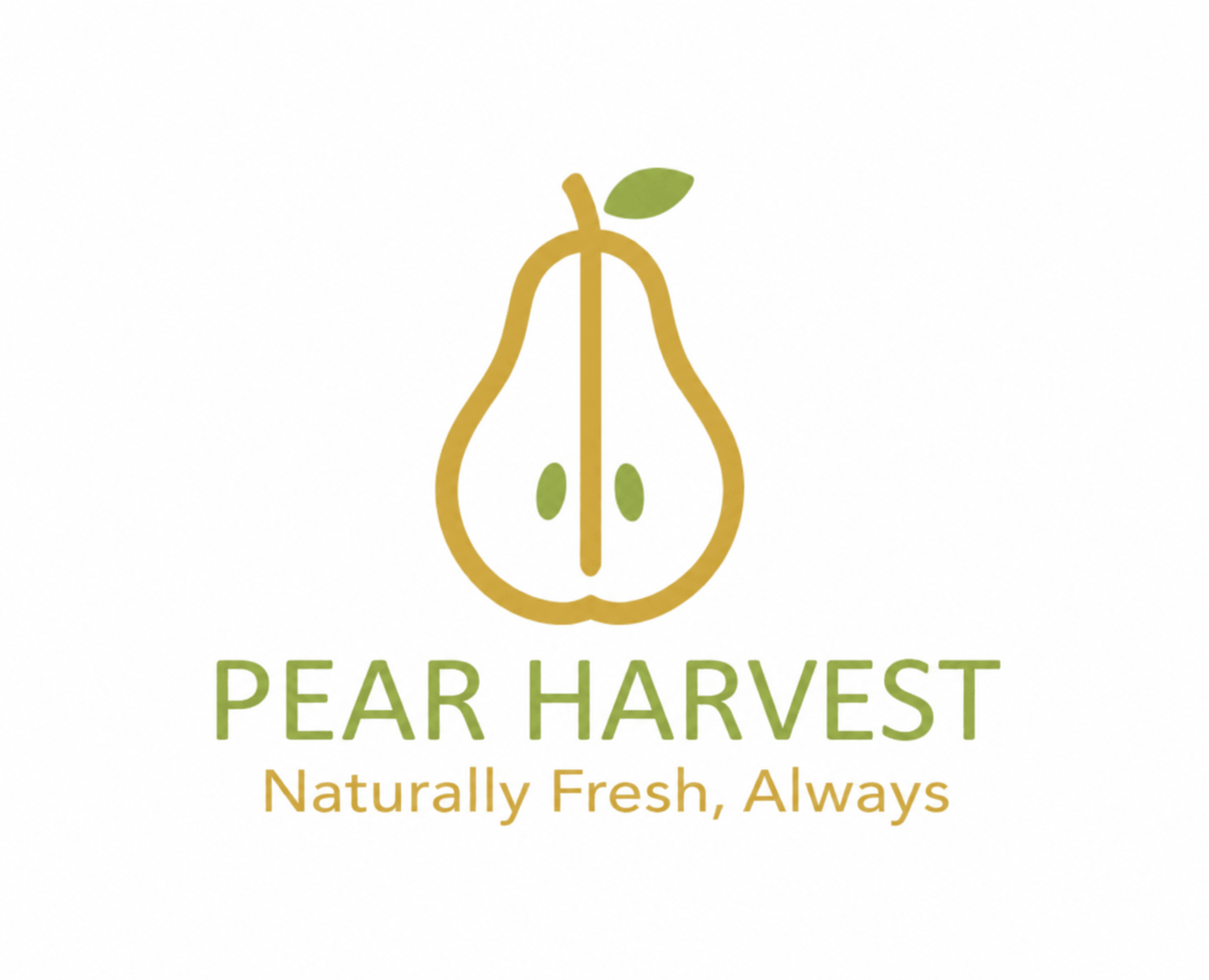
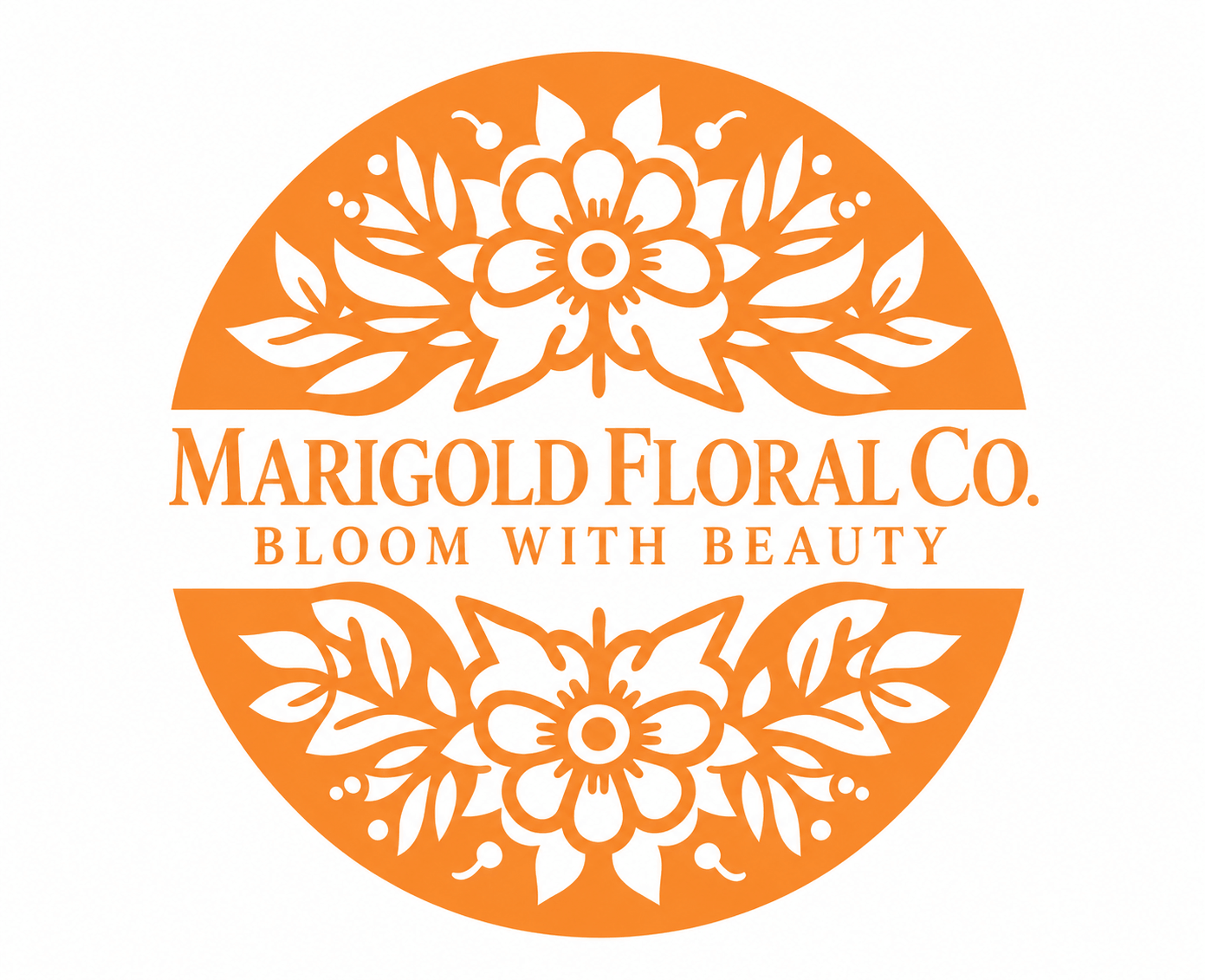
Premium Floral Emblem Logo Template
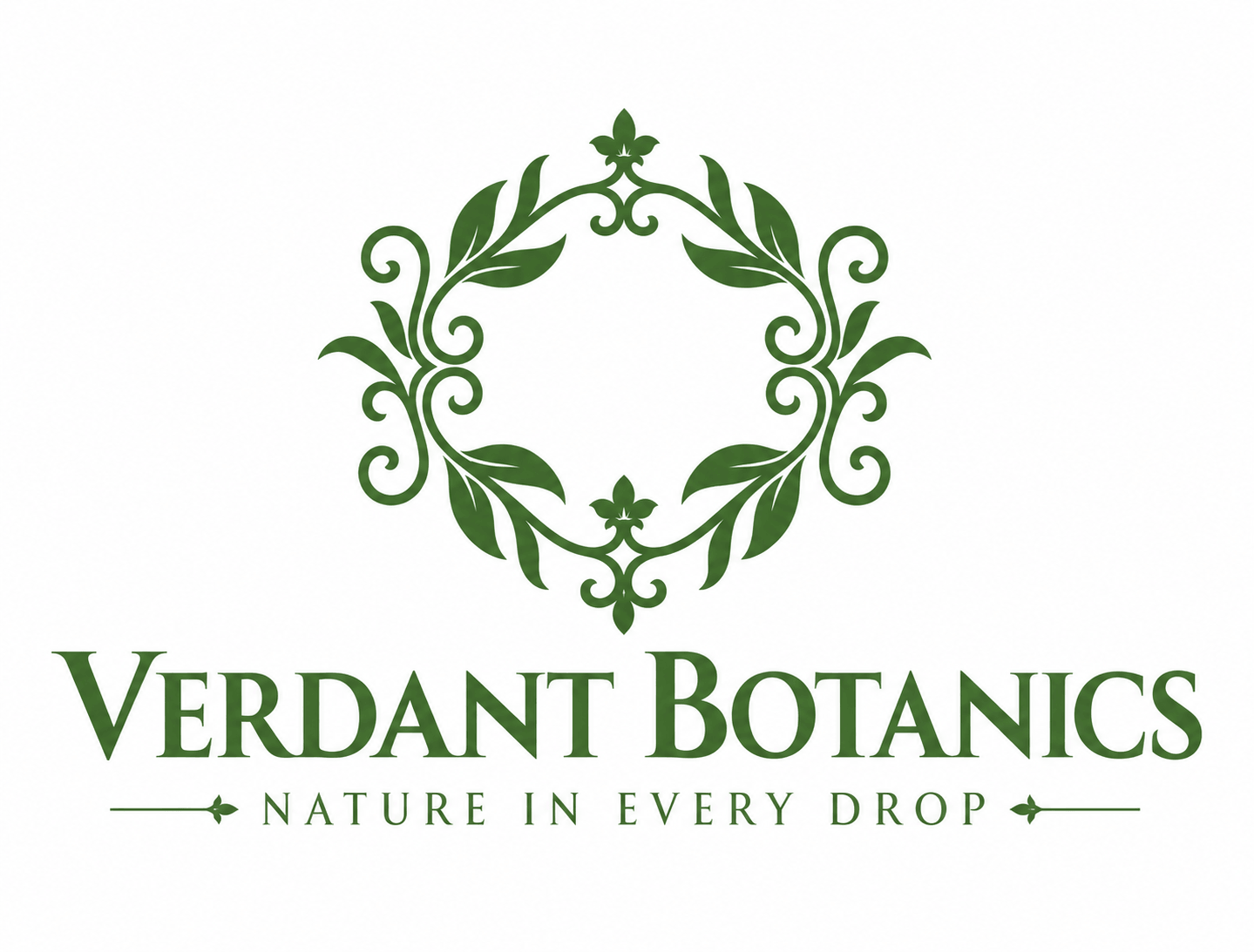
Artistic Scissor Floral Logo Template
Minimalist Female Portrait Logo Template
Decorative Flower Vase Logo Template
The examples above can show how different logo directions vary in symbol, typography, color, and layout. The goal is not to find a design that matches an AI-generated concept exactly. Instead, use the AI output as inspiration for the characteristics you want to keep.
From there, you can customize details such as the business name, font, colors, spacing, and layout so the finished logo feels more specific to the brand.
A simple workflow is: AI for ideas and direction → logo maker for design and customization.
Ask AI for Several Directions, Not Just One Logo
A useful way to work with AI is to ask for multiple concepts before choosing a direction.
Instead of:
Create a logo for a bakery.
Try:
Suggest five distinct logo directions for a modern artisan bakery. For each direction, recommend a symbol, font style, color palette, layout, and overall brand personality.
This changes the role of AI.
Rather than asking it to immediately produce one finished image, you are using it almost like a brainstorming partner.
You may discover that one direction works better as a wordmark, another suits an emblem, and another would benefit from a simple wheat or bread symbol.
Once you know which direction feels right, you can make the next prompt more specific.
Refine One Element at a Time
If the first idea is close but not quite right, avoid rewriting everything at once.
Instead, identify what needs to change.
Keep the same minimalist direction, but replace the leaf symbol with a simple water-inspired icon.
Keep the symbol and layout, but explore a warmer color palette using terracotta, cream, and dark brown.
Keep the concept but make the typography feel more premium and less playful.
Changing one element at a time makes it easier to understand which adjustments are actually improving the concept.
Use AI to Explore Symbols Before Choosing an Icon
One of the most useful applications of AI is brainstorming what the logo could symbolize.
Suppose you are building a financial consulting brand.
Instead of immediately asking for a finished finance logo, try:
Suggest 10 simple visual symbols that could represent financial growth, stability, guidance, and long-term planning without relying only on dollar signs.
You may get ideas involving paths, ascending shapes, compasses, shields, columns, trees, or abstract growth symbols.
You can then take the strongest concept and browse matching logo templates rather than trying to reproduce an AI-generated image exactly.
This approach allows AI to help with the creative thinking while the final logo remains editable.
Use AI for Inspiration, Then Build the Logo Properly
AI-generated images can be useful references, but inspiration and final logo creation are different stages.
The AI concept might reveal that you like:
A particular type of symbol
A horizontal layout
Rounded typography
Dark green and cream
A minimal visual style
Those decisions can then guide the actual logo-making process.
With One Dollar Logo Maker, you can explore logo options and then customize the design instead of treating the first AI-generated concept as the finished logo.
You can also use the logo ideas tool to explore directions for colors, icons, fonts, formats, and logo concepts before choosing a design.
A practical workflow could look like this:
Use AI to brainstorm possible concepts.
Compare several symbols, styles, and color directions.
Decide which idea best represents the brand.
Find a suitable logo design or template.
Replace the sample name with the real business name.
Adjust the font, colors, spacing, and layout.
Test the finished logo at different sizes before downloading it.
AI helps you answer “What could my logo look like?”
The logo maker helps you answer “How do I turn that idea into a usable logo?”
Avoid Asking AI to Do Too Much
Long prompts are not automatically better.
For example:
Make a modern minimalist vintage luxury logo with a lion, crown, leaf, mountain, shield, letter A, gold gradient, handwritten font, geometric styling, and futuristic appearance.
There are too many competing instructions.
A stronger prompt would prioritize the core idea:
Explore a premium letter A logo for a luxury consulting business. Combine the letter with a subtle shield shape, use black and muted gold, and keep the design minimal and professional.
A clear concept usually produces more useful inspiration than a prompt filled with unrelated design terms.
Do Not Ignore Practical Logo Requirements
A visually interesting AI concept may still make a poor logo.
Before using an idea, ask whether it can work:
At a small size
In one color
On light and dark backgrounds
Without tiny decorative details
Beside the business name
On social media
On signage or packaging
Some AI-generated concepts look impressive as illustrations but contain too much detail to function as practical logos.
This is another reason to use AI primarily for concepts and then simplify or customize the idea during the actual design process.
A Reusable AI Logo Prompt Template
You can use this formula whenever you need new logo prompt examples:
Explore a [brand personality] logo concept for a [business type]. Use a [logo style] approach featuring a simple [symbol/icon]. Consider [color palette] with [font style] typography. Try a [layout] composition and keep the design clear, recognizable, and suitable for [main use].
For example:
Explore a friendly but professional logo concept for a children's dental clinic. Use a simple modern style featuring a smiling tooth or subtle dental symbol. Consider turquoise and soft blue with rounded sans-serif typography. Try a horizontal composition and keep the design clear enough for signage, websites, and social media.
You can change one part of the formula at a time to explore completely different directions.
From AI Prompt to Finished Logo
The best AI logo prompts do not need to produce the final logo in one attempt.
Their real value is helping you explore possibilities faster.
Use AI to brainstorm symbols, styles, color combinations, typography directions, layouts, and brand personalities. Compare several ideas and refine the ones that feel most appropriate for the business.
Then move from inspiration to execution.
Choose a logo design that matches the direction you discovered, customize the icon and business name, adjust the typography and colors, and make sure the final design works in real-world applications.
AI can give you a starting point. The final logo still benefits from deliberate choices about what to keep, what to simplify, and what to customize so the identity actually belongs to the brand.
Frequently Asked Questions
What should I include in an AI logo prompt?
A useful AI logo prompt can include the business type, brand personality, visual style, preferred symbol, color palette, typography direction, and layout. You do not need to specify every element, but providing more relevant context usually gives AI a clearer direction.
How detailed should an AI logo prompt be?
Include enough detail to communicate the main direction without specifying so many elements that the concept becomes cluttered. Focus on the most important characteristics of the brand and refine individual elements in later prompts.
Can AI create a finished business logo?
AI can generate useful logo concepts and design inspiration, but the output may still need adjustments to typography, spacing, colors, layout, and other details. Using AI for ideation and then customizing the final design in a logo maker gives you more control over those elements.
What if I do not know what logo style I want?
Ask AI to suggest several different directions rather than generating one concept. For example, request minimalist, premium, playful, geometric, or vintage approaches and compare which one fits the brand best.
Can I use the same AI logo prompt for different businesses?
Yes, if you use a reusable template and replace the industry, personality, symbol, colors, typography, and other details. The underlying prompt structure can stay the same while the creative direction changes.