
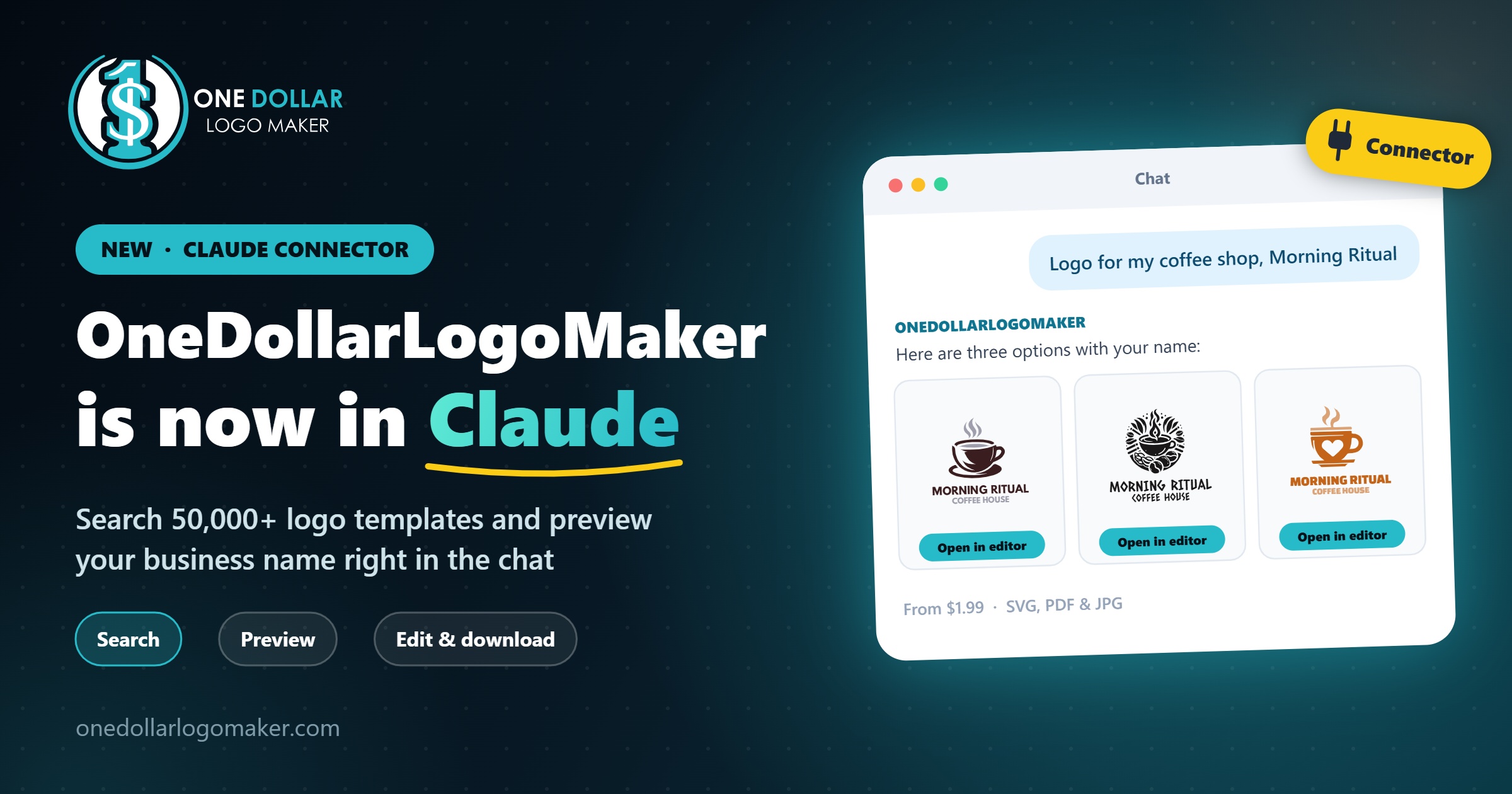
Starting today, you can find a logo for your business without leaving your conversation with Claude. OneDollarLogoMaker is now listed in Claude’s Connectors Directory, so you can ask Claude for a logo in plain words, see real templates with your business name on them, and open your favorite in our editor to finish it.
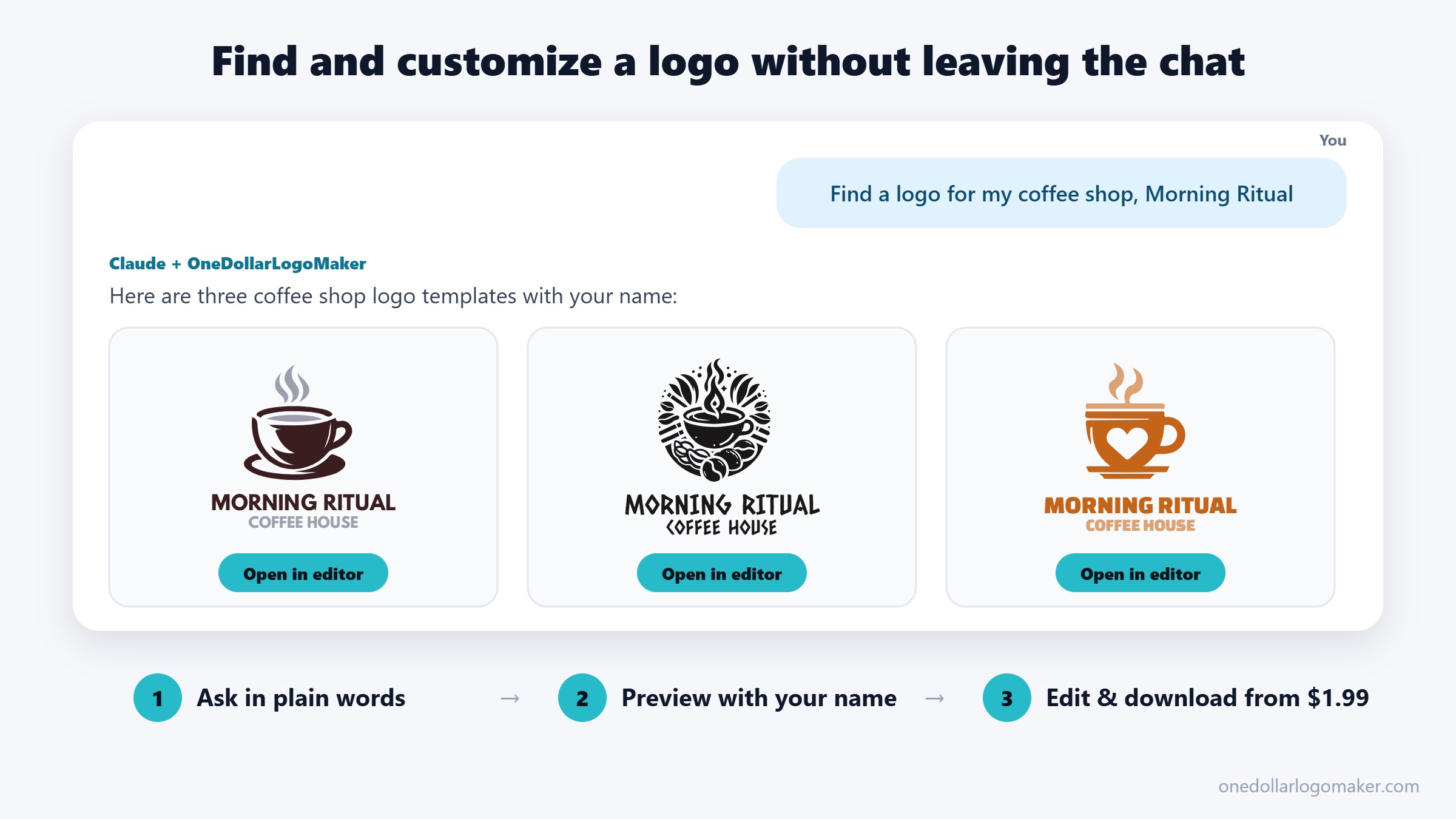
What You Can Do With the Connector
Search our library. Ask for a logo by business type, industry, style, or symbol, such as "coffee shop", "real estate", or "lion". Claude searches more than 50,000 editable templates.
Preview it with your business name. See a template with your own name, an optional slogan, and a color scheme before you open the editor.
Browse categories. Ask which logo categories are available and how many templates each one has.
Finish on OneDollarLogoMaker. Every preview has a button that opens the logo in our editor, where you can fine-tune it and download it from $1.99.
How to Add OneDollarLogoMaker to Claude
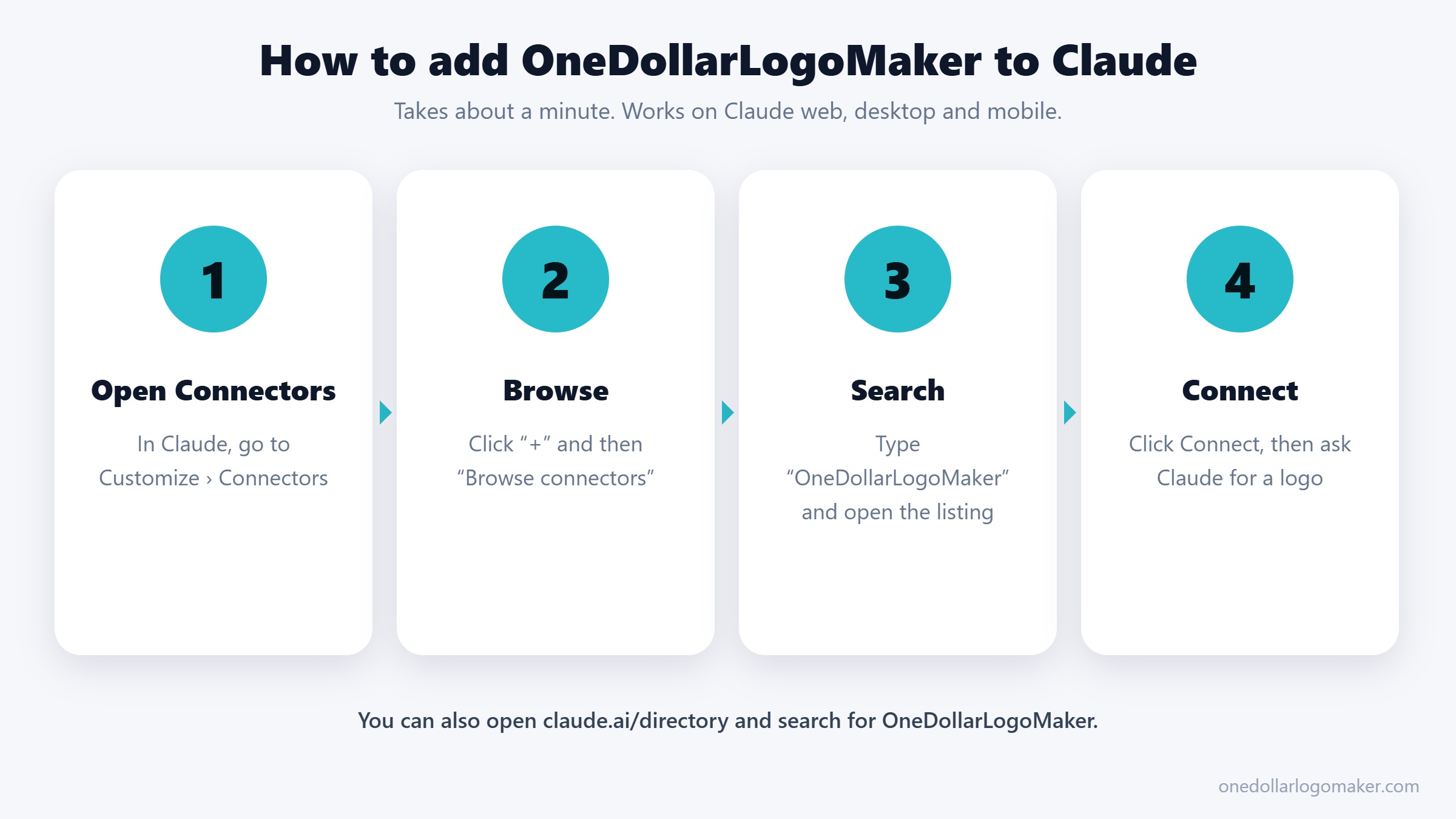
In Claude, go to Customize › Connectors.
Click the + button and choose Browse connectors.
Search for OneDollarLogoMaker and open the listing.
Click Connect, then start a new chat and ask for a logo.
You can also open the Connectors Directory at claude.ai/directory and search for OneDollarLogoMaker. Once connected, it works wherever you use Claude, on the web, desktop, and mobile.
Things to Try
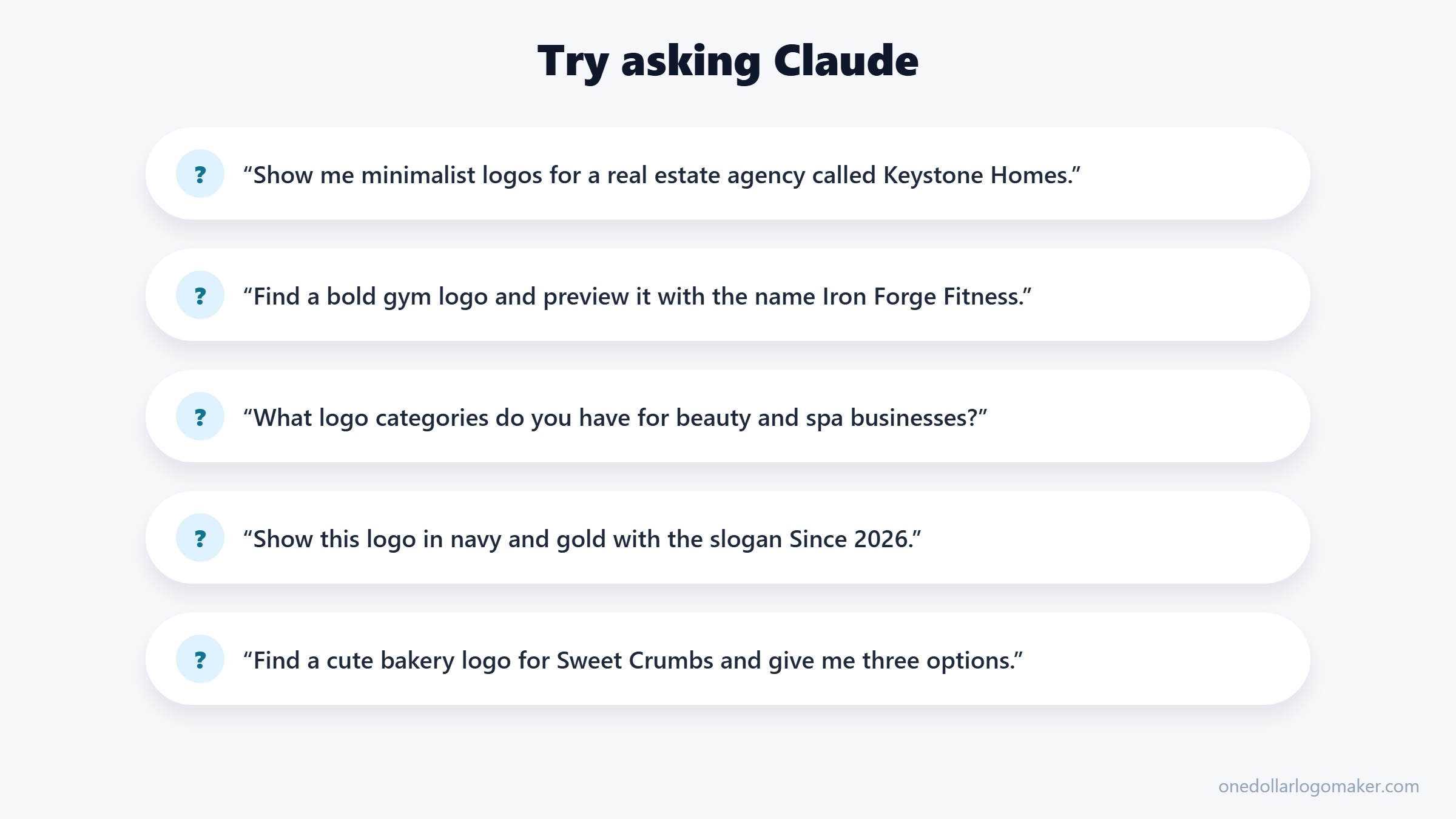
"Show me minimalist logos for a real estate agency called Keystone Homes."
"Find a bold gym logo and preview it with the name Iron Forge Fitness."
"What logo categories do you have for beauty and spa businesses?"
"Show this logo in navy and gold with the slogan Since 2026."
"Find a cute bakery logo for Sweet Crumbs and give me three options."
Why We Built It
More and more people start their business planning in an AI assistant: naming the business, writing the first website copy, planning the launch. Choosing a logo belongs in that same conversation. With the connector, you can go from "I need a logo" to a real, editable design in a few messages, then finish it on OneDollarLogoMaker at the same low price.
Frequently Asked Questions
Does the connector cost anything?
Searching and previewing logos in Claude is free. You only pay when you download a finished logo on OneDollarLogoMaker, from $1.99.
Can I download the logo directly in Claude?
Not yet. Claude shows you a preview, and the "Open in editor" button takes you to OneDollarLogoMaker to edit and download your files.
Do I need a OneDollarLogoMaker account to search?
No account is needed to search and preview logos in Claude. You sign in on our site when you are ready to download.
Which Claude plans can use it?
Connectors from the directory are available across Claude’s apps. Team and Enterprise users may need their organization owner to allow the connector first.
Try It Today
Open Claude, add the OneDollarLogoMaker connector, and ask for a logo for your business. Prefer to browse yourself? Explore our logo template categories or start on the homepage.