(555) 010-0199
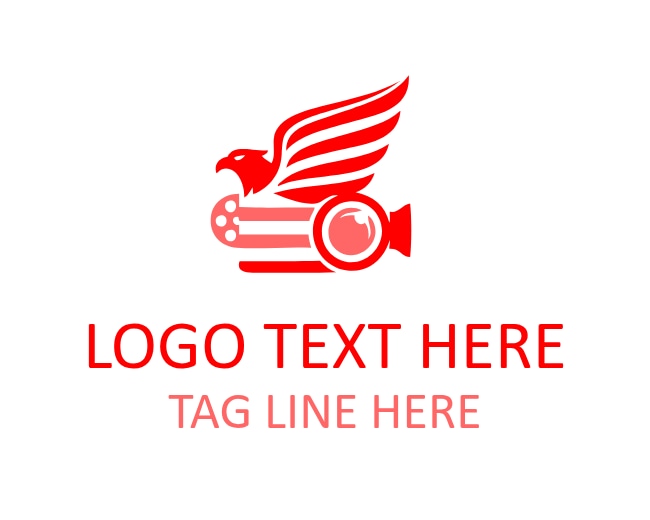
Eagle Film Lens Logo Template
A sleek eagle film lens logo inspired by cinema production and visual storytelling. Designed for filmmakers, photographers, and digital media production companies. The eagle and lens artwork creates a sharp and memorable visual identity. Perfect for websites, branding projects, social campaigns, and promotional media.
- Edit free before you pay
- SVG, PDF and JPG files
- Commercial license
- Instant download
Secure checkout · Refund policy
About this template
A sleek eagle film lens logo inspired by cinema production and visual storytelling. Designed for filmmakers, photographers, and digital media production companies. The eagle and lens artwork creates a sharp and memorable visual identity. Perfect for websites, branding projects, social campaigns, and promotional media.
In the editor you can change the colors, swap the font, adjust spacing and add your own name and slogan. The palette shown is just a starting point.
- Category
- Arts Media Photography
- Style
- Minimal, icon above text
- Colors
- Editable brand palette
- Files
- SVG, PDF, JPG
- License
- Commercial, non-exclusive (Terms)
- Added
- 2026
Questions about this logo
How much does the Eagle Film Lens Logo cost?
$1.99 for one download, paid after you finish editing. Editing is free.
Can I change the colors and fonts before downloading?
Yes. Open the logo in the editor to change colors, fonts, text, spacing and layout, then download when you're happy.
What files will I receive?
SVG, PDF and JPG. SVG and PDF are vector files, so the logo stays sharp at any size.
Can I use this logo for my business?
Yes. Your purchase includes a commercial license. The design stays available to others unless you choose Exclusive ($20). See our Terms.