
You have a logo you love. Then you upload it to Instagram and the edges get cut off, your website header makes it look blurry, and the printer asks for a "high-resolution file" you are not sure you have. Almost every one of these problems comes down to logo size.
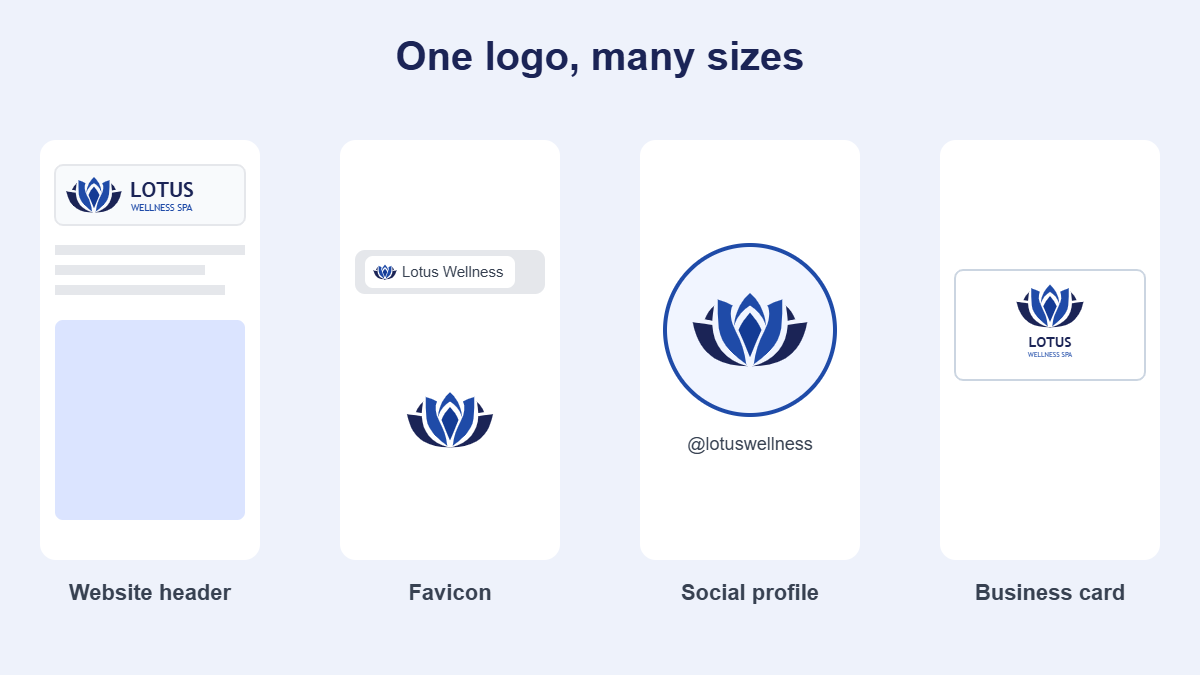
There is no single "correct" logo size. A logo appears in a tiny browser tab, a circular social media profile, a website header, a business card, and sometimes a shop sign, and each place needs different dimensions, a different file format, and often a different version of the logo.
This guide gives you quick-reference tables for the most common placements, then explains how to prepare your logo so it looks sharp everywhere. To keep things practical, we will use one example logo throughout: a lotus mark for a fictional wellness brand, Lotus Wellness Spa.
Logo Size Quick Reference
If you only need the numbers, start here. All pixel sizes are recommended upload sizes; uploading a little larger is usually fine, but never smaller.
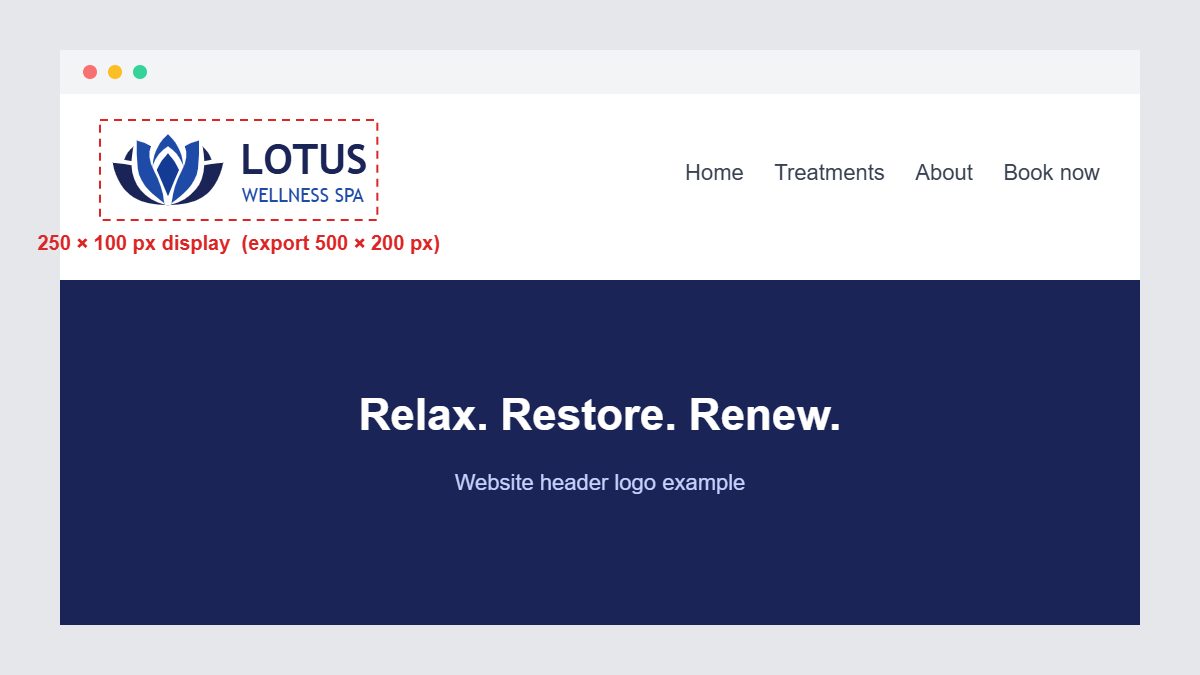
Website header (horizontal logo): Recommended size: 250 × 100 px display, export at 500 × 200 px · Best format: SVG or PNG · Logo version: Horizontal
Website header (square logo): Recommended size: 150 × 150 px display, export at 300 × 300 px · Best format: SVG or PNG · Logo version: Stacked or icon
Favicon: Recommended size: 16 × 16, 32 × 32, 48 × 48 px · Best format: ICO, PNG or SVG · Logo version: Icon only
Apple touch icon: Recommended size: 180 × 180 px · Best format: PNG · Logo version: Icon only
Android / web app icon: Recommended size: 192 × 192 and 512 × 512 px · Best format: PNG · Logo version: Icon only
Social media profile (all platforms): Recommended size: Master file 1080 × 1080 px · Best format: PNG or JPG · Logo version: Icon or stacked
Link preview / Open Graph image: Recommended size: 1200 × 630 px · Best format: PNG or JPG · Logo version: Horizontal
Email signature: Recommended size: Up to about 300 × 100 px · Best format: PNG · Logo version: Horizontal
Business card: Recommended size: About 0.75–1.5 in wide at 300 DPI · Best format: PDF or SVG (vector) · Logo version: Any
Signs, banners, vehicles: Recommended size: Scaled to fit · Best format: SVG, PDF or EPS (vector) · Logo version: Horizontal or stacked
Logo Size for Websites
Website header logo
Most website headers display a horizontal logo at around 250 × 100 pixels, or a square logo at around 100–150 pixels. Because many screens are high-resolution, export your PNG at twice the display size (for example 500 × 200 px for a 250 × 100 px header) so it stays crisp on phones and laptops. If your website supports it, an SVG file is even better because it stays sharp at any size.
Keep the file light: under 100 KB is a good target, and smaller is better for page speed. Remove extra empty space around the logo before uploading so it does not look smaller than intended.
Favicon and app icon sizes
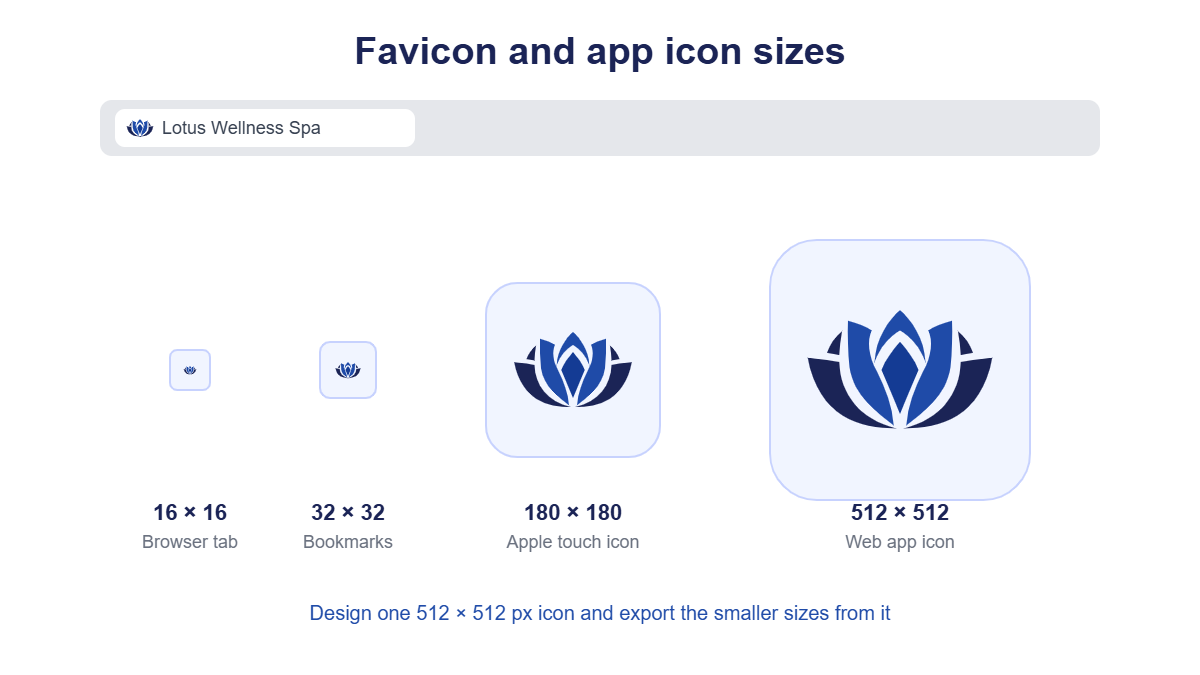
A favicon is the tiny icon in the browser tab. It is displayed so small that a full logo with text becomes unreadable, so use only your symbol. A complete modern setup usually includes:
favicon.ico: 16 × 16, 32 × 32, 48 × 48 px · Where it appears: Browser tabs, bookmarks, history
favicon.svg (optional): Scalable · Where it appears: Modern browsers
apple-touch-icon.png: 180 × 180 px · Where it appears: iPhone and iPad home screen
Web app icons: 192 × 192 and 512 × 512 px · Where it appears: Android home screen, installed web apps
The easiest approach is to design one 512 × 512 px square version of your icon and export the smaller sizes from it.
Logo Size for Social Media
Social media platforms display profile pictures in a circle (or rounded square), often much smaller than the file you upload. Recommended upload sizes in 2026 are:
Facebook: 320 × 320 px or larger · Notes: Displayed as a circle
Instagram: 320 × 320 px · Notes: Shown very small, at about 110 × 110 px
X (Twitter): 400 × 400 px · Notes: Displayed as a circle
LinkedIn (personal): 400 × 400 px · Notes: Displayed as a circle
LinkedIn (company page): 300 × 300 px or larger · Notes: Square logo
YouTube: 800 × 800 px · Notes: Displayed as a circle
TikTok: 200 × 200 px or larger · Notes: Displayed as a small circle
Google Business Profile: 720 × 720 px · Notes: Square logo
Platforms change these numbers from time to time, so here is a simpler rule: create one square master image at 1080 × 1080 px and upload it everywhere. It is large enough for every platform above, and each platform will scale it down for you.
Watch the circular crop
The most common social media logo mistake is placing a wide, horizontal logo in a circular frame. The edges get cut off and the text becomes tiny. Use your icon or stacked version instead, center it, and leave roughly 15–20% empty space around it so nothing touches the edge of the circle.
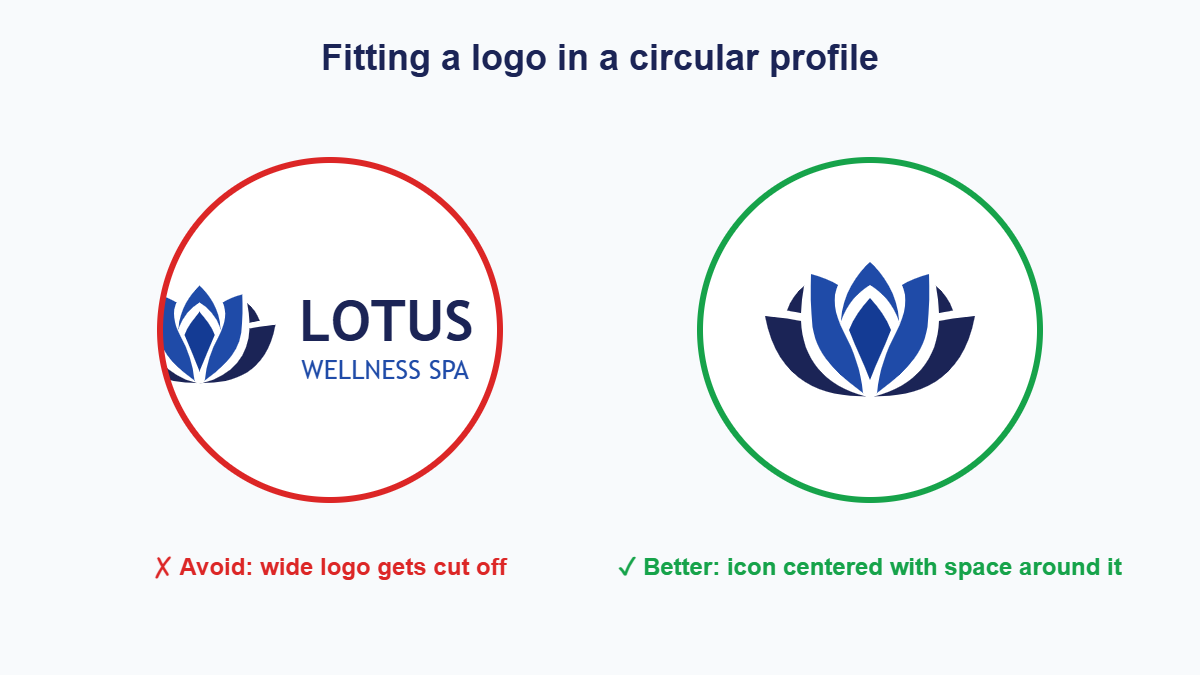
For posts, cover photos, and link previews, your logo is usually part of a larger image. A link preview image of 1200 × 630 px works well for Facebook, X, and LinkedIn, with the horizontal logo placed where it will not be covered by text or buttons.
Logo Size for Email Signatures
Email signature logos should be small and light. A horizontal logo displayed at up to about 300 × 100 px is plenty, and the file should ideally stay under 50 KB so emails load quickly. Use PNG rather than SVG, because many email apps do not display SVG files reliably.
Logo Size for Print
Print works differently from screens. Instead of pixels, printers think in inches or millimeters and resolution, measured in DPI (dots per inch). The standard for sharp printing is 300 DPI, which means a logo printed 2 inches wide needs at least 600 pixels of width if you use an image file.
The best solution is to send a vector file (SVG, PDF, or EPS). A vector logo is made of shapes rather than pixels, so it can be printed on a business card or a billboard without any loss of quality.
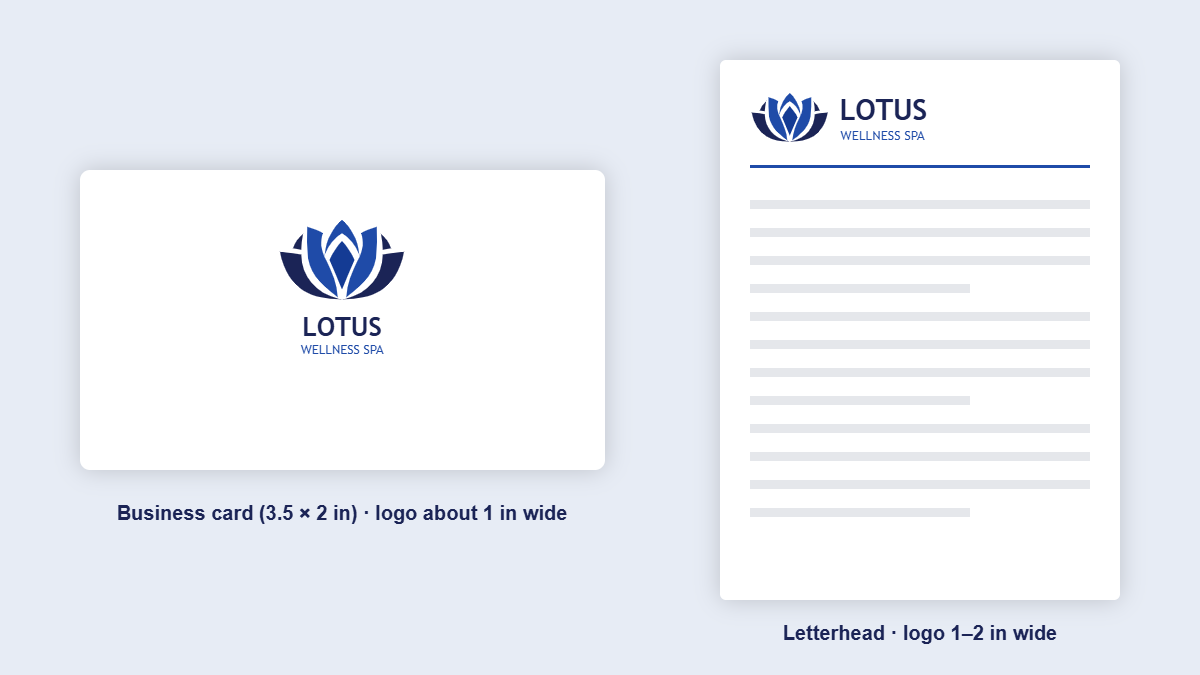
Business card (3.5 × 2 in): About 0.75–1.5 in wide · Tips: Keep text in the logo readable at small sizes
Letterhead: About 1–2 in wide · Tips: Horizontal version usually fits best
Flyers and brochures: Varies by layout · Tips: Use vector files and CMYK colors
T-shirt, left chest: About 3–4 in wide · Tips: Simplify fine details for embroidery
T-shirt, full front: About 10–12 in wide · Tips: Ask the printer for their preferred format
Signs, banners, vehicles: Scaled to fit · Tips: Always use vector files
Also remember that screens use RGB color while most printers use CMYK. Bright screen colors can look slightly different on paper, so ask for a printed proof for important jobs.
Use the Right Logo Version for Each Size
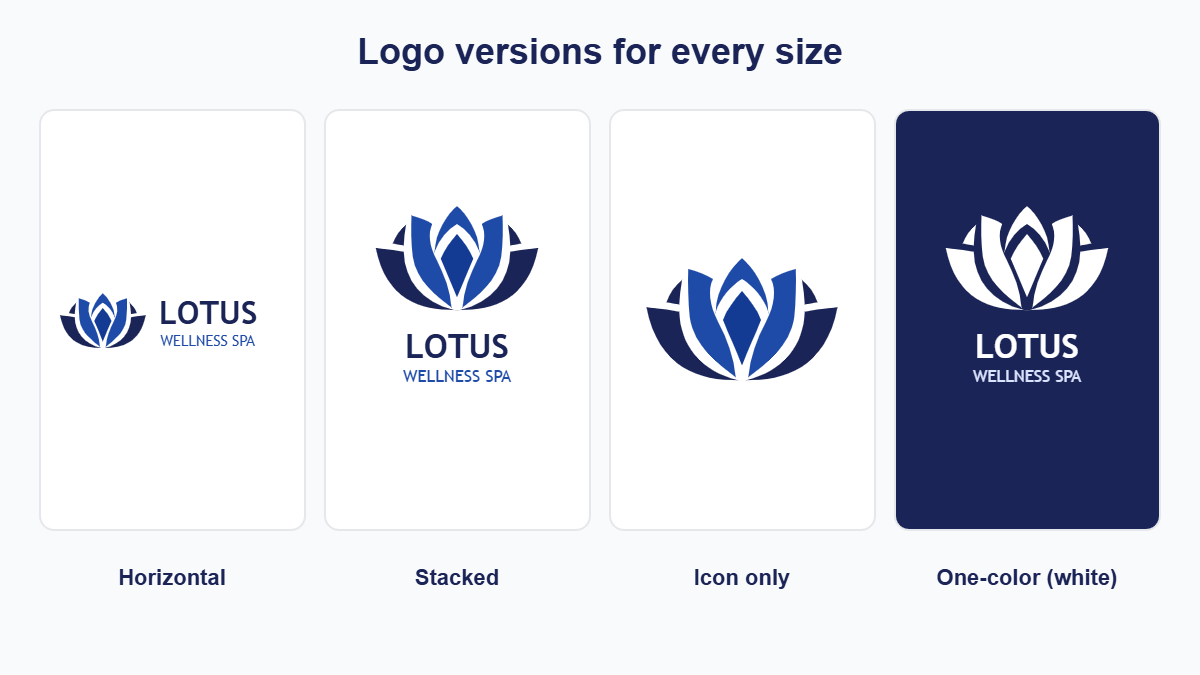
One logo file rarely works everywhere. Most professional brands keep a few versions of the same logo:
Horizontal logo: symbol beside the name. Best for website headers, email signatures, letterheads, and banners.
Stacked logo: symbol above the name. Best for square spaces, posters, and packaging.
Icon only: just the symbol. Best for favicons, app icons, and social media profiles.
One-color versions: all black and all white. Best for dark backgrounds, stamps, embroidery, and single-color printing.
With a template from One Dollar Logo Maker, you can customize the name, colors, and layout and download the files you need, so your logo is ready for both screen and print.
How to Prepare Your Logo Files: A Quick Checklist
Keep a vector master file (SVG, PDF, or EPS) and create every other size from it.
Export PNG files with a transparent background for websites and social media.
Export web images at twice the display size for sharp results on high-resolution screens.
Use your icon version for favicons and profile pictures.
Leave clear space around the logo, especially for circular crops.
Check that the text is still readable at the smallest size you will use.
Test the logo on both light and dark backgrounds.
Name files clearly, for example lotus-logo-horizontal.png and lotus-icon-512.png.
Common Logo Size Mistakes
Uploading a small file and stretching it
Enlarging a small PNG or JPG makes it blurry. Always start from a larger or vector file and scale down.
Using one horizontal logo everywhere
A wide logo looks tiny in a square or circular space. Switch to the stacked or icon version where space is square.
Too much empty space in the file
Extra blank space around the artwork makes the logo appear smaller than it should. Trim the canvas close to the design before exporting.
Sending a low-resolution file to the printer
A file that looks fine on screen may print fuzzy. Send a vector file, or at least an image that meets 300 DPI at the final print size.
For more tips, see our guide to common logo design mistakes.
Frequently Asked Questions
What is the standard logo size?
There is no single standard. A good starting point is a square master file of 1080 × 1080 px or larger, a horizontal version of about 500 × 200 px for websites, and a vector file for print.
What size should a logo be for a website?
Around 250 × 100 px for a horizontal header logo, or 100–150 px for a square logo, exported at twice that size for high-resolution screens.
What is the best logo size for social media?
Upload a square image of at least 400 × 400 px; a 1080 × 1080 px master works for every major platform. Center your icon and leave space around it for circular crops.
What resolution should a logo be for printing?
300 DPI at the final print size, or ideally a vector file such as SVG, PDF, or EPS that can be printed at any size.
Which file format is best for a logo?
Use SVG or PDF for print and scalable use, PNG with a transparent background for websites and social media, and JPG only when transparency is not needed.
Final Thoughts
Getting your logo size right is less about memorizing numbers and more about preparing the right versions: a vector master, a horizontal logo, a stacked logo, an icon, and one-color variations. With those ready, you can export the exact size each platform needs, and your logo will look sharp in a browser tab, on Instagram, and on your business card.